Download Microsoft Outlook free unlock


Microsoft Outlook


Program available in Windows Program license Free - System Android


Category : Utilities
Program  : Free
Version  : 4.1.15
Size     : 104 MB
Works under : Android
Package name : Everyone
Votes : 47 Votes / Ratting : 4
Program by : com.microsoft.office.outlook
Content rating - English

Watch Microsoft Outlook Video Review 

Review - Microsoft Outlook 

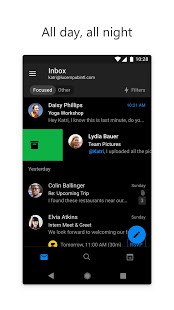
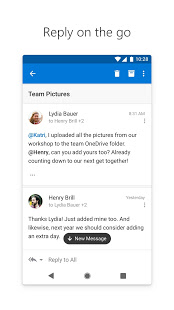
Microsoft Outlook is an Android browser that is a limited version of the regular UC Browser. It has many of the same features that made the UC Browser popular. It is a great alternative browser if you want something simpler than the traditional browsers for Android.  Microsoft Outlook has many great features. One feature is that it is a very fast browser for downloading files or watching videos. Another feature is that video playback can be controlled by gestures. Also, Microsoft Outlook has an incognito mode to secure your privacy. The browser additionally has a Night Mode which makes it easier to read text when it is dark.  The browser is very well designed. The user-interface is very stylish and clean, letting you focus on what you are doing. The tab management is simpler and easier to use than it is for most Android browsers. A quick-search feature allows you to search right from the navigation bar. In addition, navigation cards allow you to get updates about news and events based on your location.  Pros:  Fast download speeds Intuitive user-interface Small and fast browser Many useful features  Cons:  Not as many features as in standard browsers Night Mode may not work well depending on system brightness settings Built-in download manager doesn’t always work as expected

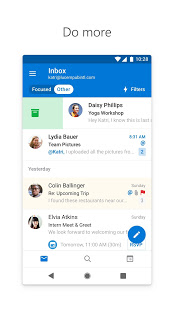
Screenshots Microsoft Outlook 


What Is New 

(function($) { $(function() { // Find all YouTube videos var $allVideos = $("#tabs-4 .vcontainer iframe"), // The element that is fluid width $fluidEl = $("#tabs-4 .vcontainer"); // Figure out and save aspect ratio for each video $allVideos.each(function() { $(this) .data('aspectRatio', this.height / this.width) // and remove the hard coded width/height .removeAttr('height') .removeAttr('width'); }); // When the window is resized $(window).resize(function() { var newWidth = $fluidEl.width(); // Resize all videos according to their own aspect ratio $allVideos.each(function() { var $el = $(this); $el .width(newWidth) .height(newWidth * $el.data('aspectRatio')); }); // Kick off one resize to fix all videos on page load }).resize(); }); })(jQuery);

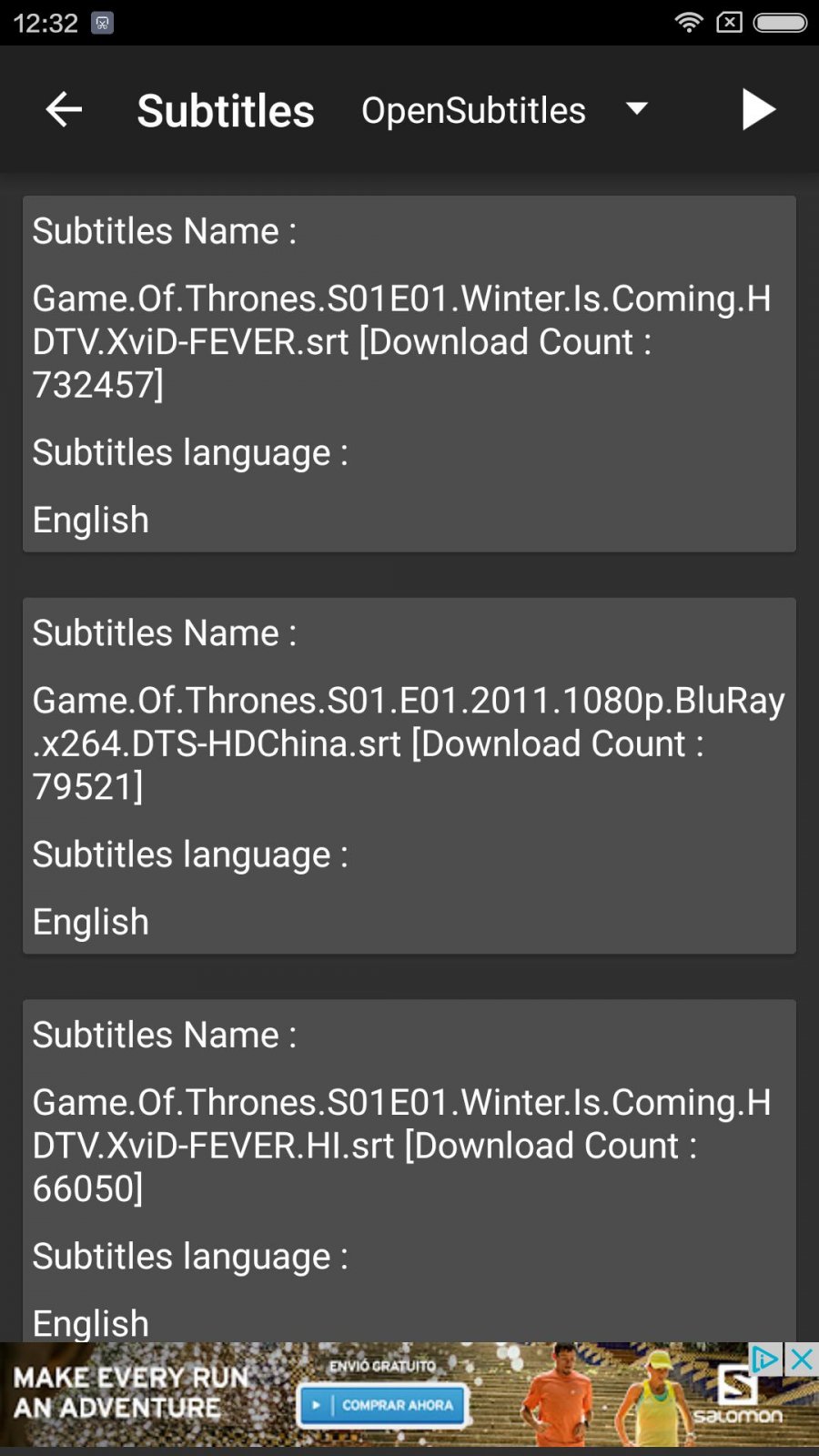
free mod Terrarium TV full version


Terrarium TV


Program available in com.nitroxenon.terrarium Program license Free - System Android


Category : TV/Radio
Program  : Free
Version  : 1.9.10
Size     : 23 MB
Works under : Android
Package name : Peter Chan
Votes : 1 Votes / Ratting : 3.9
Program by : Peter Chan
Content rating - Peter Chan

Watch Terrarium TV Video Review 

Review - Terrarium TV 

Terrarium TV is an Android browser that is a limited version of the regular UC Browser. It has many of the same features that made the UC Browser popular. It is a great alternative browser if you want something simpler than the traditional browsers for Android.  Terrarium TV has many great features. One feature is that it is a very fast browser for downloading files or watching videos. Another feature is that video playback can be controlled by gestures. Also, Terrarium TV has an incognito mode to secure your privacy. The browser additionally has a Night Mode which makes it easier to read text when it is dark.  The browser is very well designed. The user-interface is very stylish and clean, letting you focus on what you are doing. The tab management is simpler and easier to use than it is for most Android browsers. A quick-search feature allows you to search right from the navigation bar. In addition, navigation cards allow you to get updates about news and events based on your location.  Pros:  Fast download speeds Intuitive user-interface Small and fast browser Many useful features  Cons:  Not as many features as in standard browsers Night Mode may not work well depending on system brightness settings Built-in download manager doesn’t always work as expected

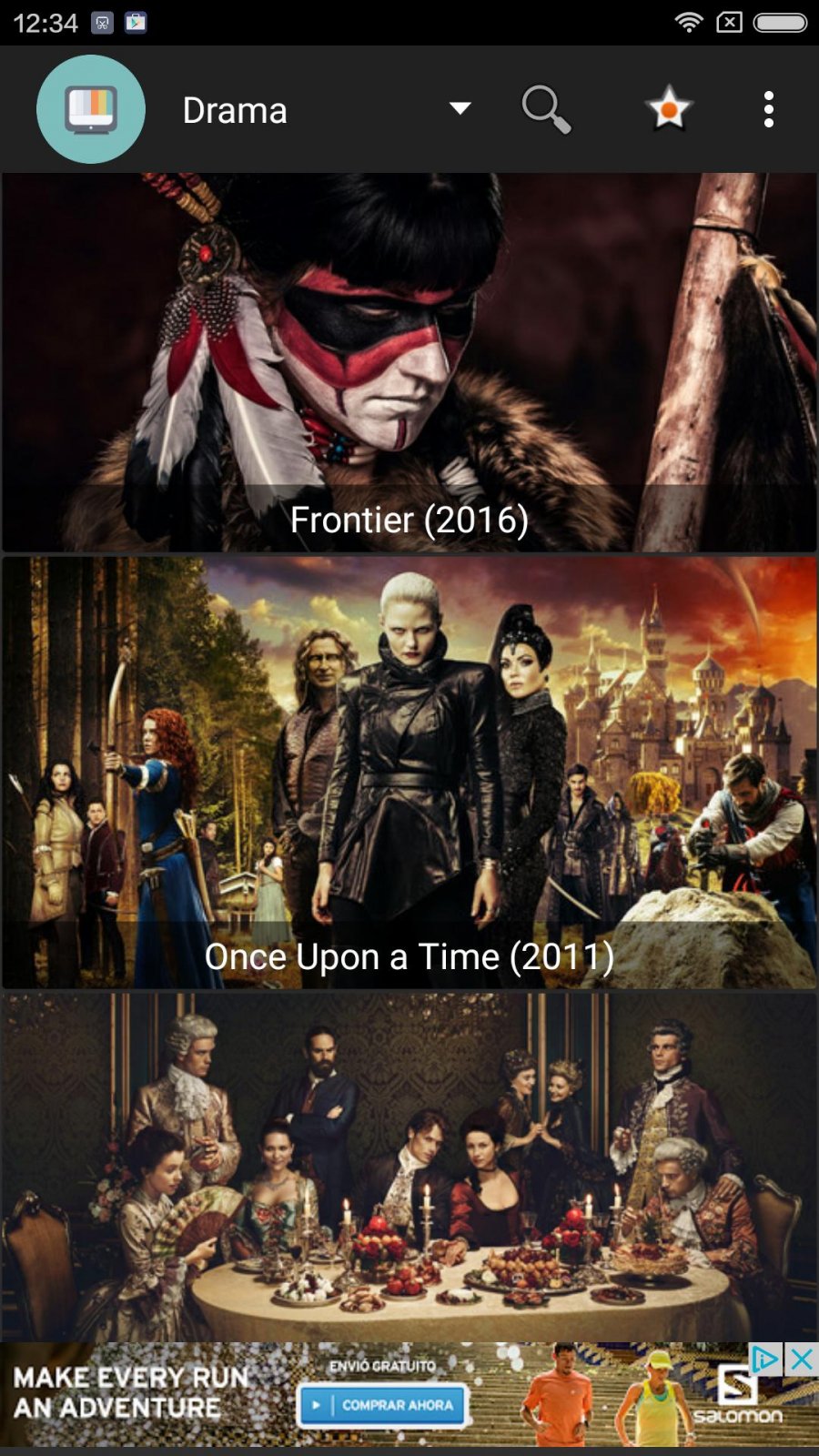
Screenshots Terrarium TV 


What Is New 


Free APK World at Arms Original


World at Arms


Program available in English Program license Free - System Android


Category : Strategy
Program  : Free
Version  : 3.3.0t
Size     : 31 MB
Works under : Android
Package name : com.gameloft.android.ANMP.GloftMTHM
Votes : 63 Votes / Ratting : 4
Program by : Gameloft SE 14 rue Auber 75009 Paris
Content rating - Teen

Watch World at Arms Video Review 

Review - World at Arms 

World at Arms is an Android browser that is a limited version of the regular UC Browser. It has many of the same features that made the UC Browser popular. It is a great alternative browser if you want something simpler than the traditional browsers for Android.  World at Arms has many great features. One feature is that it is a very fast browser for downloading files or watching videos. Another feature is that video playback can be controlled by gestures. Also, World at Arms has an incognito mode to secure your privacy. The browser additionally has a Night Mode which makes it easier to read text when it is dark.  The browser is very well designed. The user-interface is very stylish and clean, letting you focus on what you are doing. The tab management is simpler and easier to use than it is for most Android browsers. A quick-search feature allows you to search right from the navigation bar. In addition, navigation cards allow you to get updates about news and events based on your location.  Pros:  Fast download speeds Intuitive user-interface Small and fast browser Many useful features  Cons:  Not as many features as in standard browsers Night Mode may not work well depending on system brightness settings Built-in download manager doesn’t always work as expected

Screenshots World at Arms 


What Is New 

(function($) { $(function() { // Find all YouTube videos var $allVideos = $("#tabs-4 .vcontainer iframe"), // The element that is fluid width $fluidEl = $("#tabs-4 .vcontainer"); // Figure out and save aspect ratio for each video $allVideos.each(function() { $(this) .data('aspectRatio', this.height / this.width) // and remove the hard coded width/height .removeAttr('height') .removeAttr('width'); }); // When the window is resized $(window).resize(function() { var newWidth = $fluidEl.width(); // Resize all videos according to their own aspect ratio $allVideos.each(function() { var $el = $(this); $el .width(newWidth) .height(newWidth * $el.data('aspectRatio')); }); // Kick off one resize to fix all videos on page load }).resize(); }); })(jQuery);

Download Happy Mall Story Original


Happy Mall Story


Program available in English Program license Free - System Android


Category : Strategy
Program  : Free
Version  : 2.3.1
Size     : 28 MB
Works under : Android
Package name : com.happylabs.happymall
Votes : 106 Votes / Ratting : 4.5
Program by : Happy Labs 266 Serangoon Central Drive #04-253 Singapore 550266
Content rating - Everyone

Watch Happy Mall Story Video Review 

Review - Happy Mall Story 

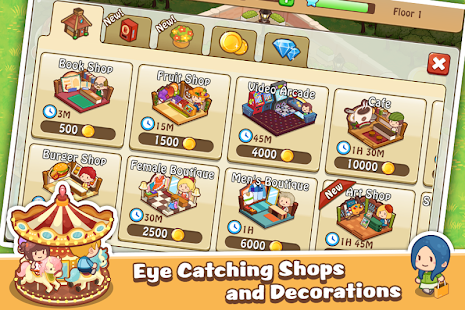
Happy Mall Story is an Android browser that is a limited version of the regular UC Browser. It has many of the same features that made the UC Browser popular. It is a great alternative browser if you want something simpler than the traditional browsers for Android.  Happy Mall Story has many great features. One feature is that it is a very fast browser for downloading files or watching videos. Another feature is that video playback can be controlled by gestures. Also, Happy Mall Story has an incognito mode to secure your privacy. The browser additionally has a Night Mode which makes it easier to read text when it is dark.  The browser is very well designed. The user-interface is very stylish and clean, letting you focus on what you are doing. The tab management is simpler and easier to use than it is for most Android browsers. A quick-search feature allows you to search right from the navigation bar. In addition, navigation cards allow you to get updates about news and events based on your location.  Pros:  Fast download speeds Intuitive user-interface Small and fast browser Many useful features  Cons:  Not as many features as in standard browsers Night Mode may not work well depending on system brightness settings Built-in download manager doesn’t always work as expected

Screenshots Happy Mall Story 


What Is New 

(function($) { $(function() { // Find all YouTube videos var $allVideos = $("#tabs-4 .vcontainer iframe"), // The element that is fluid width $fluidEl = $("#tabs-4 .vcontainer"); // Figure out and save aspect ratio for each video $allVideos.each(function() { $(this) .data('aspectRatio', this.height / this.width) // and remove the hard coded width/height .removeAttr('height') .removeAttr('width'); }); // When the window is resized $(window).resize(function() { var newWidth = $fluidEl.width(); // Resize all videos according to their own aspect ratio $allVideos.each(function() { var $el = $(this); $el .width(newWidth) .height(newWidth * $el.data('aspectRatio')); }); // Kick off one resize to fix all videos on page load }).resize(); }); })(jQuery);


Mod APK SnapPea Original


SnapPea


Program available in Windows Program license Free - System Android


Category : Download Managers
Program  : Free
Version  : 3.27.2
Size     : 3 MB
Works under : Android
Package name : Unrated
Votes : / Ratting :
Program by : com.snappea
Content rating - English

Watch SnapPea Video Review 

Review - SnapPea 

SnapPea is an Android browser that is a limited version of the regular UC Browser. It has many of the same features that made the UC Browser popular. It is a great alternative browser if you want something simpler than the traditional browsers for Android.  SnapPea has many great features. One feature is that it is a very fast browser for downloading files or watching videos. Another feature is that video playback can be controlled by gestures. Also, SnapPea has an incognito mode to secure your privacy. The browser additionally has a Night Mode which makes it easier to read text when it is dark.  The browser is very well designed. The user-interface is very stylish and clean, letting you focus on what you are doing. The tab management is simpler and easier to use than it is for most Android browsers. A quick-search feature allows you to search right from the navigation bar. In addition, navigation cards allow you to get updates about news and events based on your location.  Pros:  Fast download speeds Intuitive user-interface Small and fast browser Many useful features  Cons:  Not as many features as in standard browsers Night Mode may not work well depending on system brightness settings Built-in download manager doesn’t always work as expected

Screenshots SnapPea 


What Is New 

(function($) { $(function() { // Find all YouTube videos var $allVideos = $("#tabs-4 .vcontainer iframe"), // The element that is fluid width $fluidEl = $("#tabs-4 .vcontainer"); // Figure out and save aspect ratio for each video $allVideos.each(function() { $(this) .data('aspectRatio', this.height / this.width) // and remove the hard coded width/height .removeAttr('height') .removeAttr('width'); }); // When the window is resized $(window).resize(function() { var newWidth = $fluidEl.width(); // Resize all videos according to their own aspect ratio $allVideos.each(function() { var $el = $(this); $el .width(newWidth) .height(newWidth * $el.data('aspectRatio')); }); // Kick off one resize to fix all videos on page load }).resize(); }); })(jQuery);


free mod GTA 5 Original


GTA 5


Program available in com.appmakr.app360705 Program license Free - System Android


Category : Funny
Program  : Free
Version  : 3
Size     : 628 KB
Works under : Android
Package name : Delphic Marketing
Votes : 24 Votes / Ratting : 3.1
Program by : Delphic Marketing
Content rating - Delphic Marketing

Watch GTA 5 Video Review 

Review - GTA 5 

GTA 5 is an Android browser that is a limited version of the regular UC Browser. It has many of the same features that made the UC Browser popular. It is a great alternative browser if you want something simpler than the traditional browsers for Android.  GTA 5 has many great features. One feature is that it is a very fast browser for downloading files or watching videos. Another feature is that video playback can be controlled by gestures. Also, GTA 5 has an incognito mode to secure your privacy. The browser additionally has a Night Mode which makes it easier to read text when it is dark.  The browser is very well designed. The user-interface is very stylish and clean, letting you focus on what you are doing. The tab management is simpler and easier to use than it is for most Android browsers. A quick-search feature allows you to search right from the navigation bar. In addition, navigation cards allow you to get updates about news and events based on your location.  Pros:  Fast download speeds Intuitive user-interface Small and fast browser Many useful features  Cons:  Not as many features as in standard browsers Night Mode may not work well depending on system brightness settings Built-in download manager doesn’t always work as expected

Screenshots GTA 5 


What Is New 


free mod Sniper 3D free unlock


Sniper 3D


Program available in English Program license Free - System Android


Category : Action/Adventure
Program  : Free
Version  : 3.5.2
Size     : 100 MB
Works under : Android
Package name : com.fungames.sniper3d
Votes : 101 Votes / Ratting : 4.5
Program by : Fun Games For Free 25-28 North Wall Quay, Dublin 01, IRELAND
Content rating - Mature 17+

Watch Sniper 3D Video Review 

Review - Sniper 3D 

Sniper 3D is an Android browser that is a limited version of the regular UC Browser. It has many of the same features that made the UC Browser popular. It is a great alternative browser if you want something simpler than the traditional browsers for Android.  Sniper 3D has many great features. One feature is that it is a very fast browser for downloading files or watching videos. Another feature is that video playback can be controlled by gestures. Also, Sniper 3D has an incognito mode to secure your privacy. The browser additionally has a Night Mode which makes it easier to read text when it is dark.  The browser is very well designed. The user-interface is very stylish and clean, letting you focus on what you are doing. The tab management is simpler and easier to use than it is for most Android browsers. A quick-search feature allows you to search right from the navigation bar. In addition, navigation cards allow you to get updates about news and events based on your location.  Pros:  Fast download speeds Intuitive user-interface Small and fast browser Many useful features  Cons:  Not as many features as in standard browsers Night Mode may not work well depending on system brightness settings Built-in download manager doesn’t always work as expected

Screenshots Sniper 3D 


What Is New 

+ Play through all the 21 cities in Single Player mode + Advance through the new Leagues in the Real-Time Multiplayer PvP Arena + Battle against others in the Squad Wars + Performance improvements + Minor bug fixes